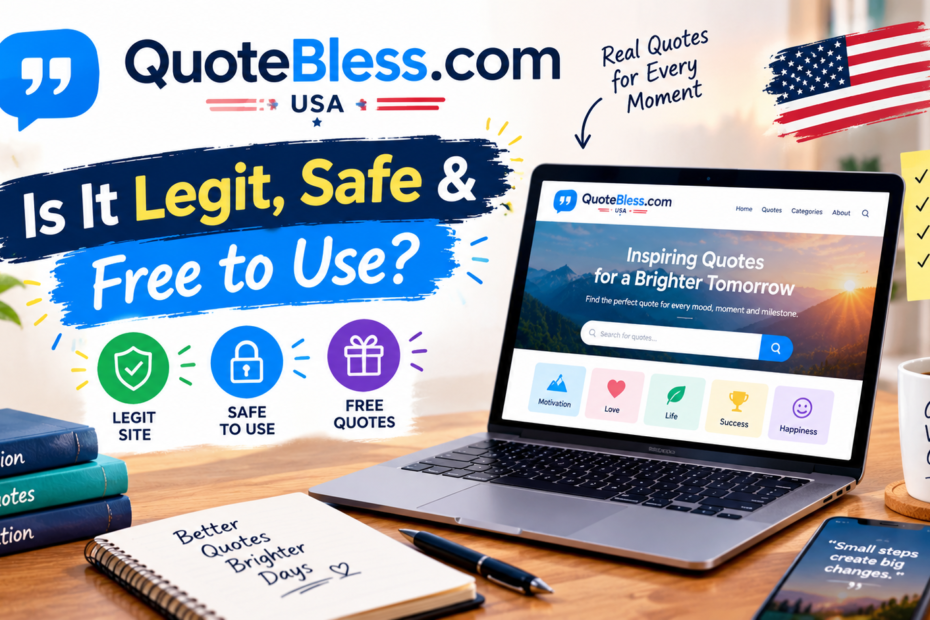
You need the right words for a birthday, a hard morning, or a quick thank-you text. So you search, and QuoteBless.com USA pops up with a promise of ready-to-share blessings. Is it legit? Is it free? And can you post what you copy?
This guide answers all three. It also shows you how to check a quote before you share it, so you don’t pass along a fake.
What Is QuoteBless.com USA?
QuoteBless is a free website of quotes, blessings, and short messages. Its tagline is simple words, big impact. Pages are built for quick sharing, with a copy button for text and a download button for images.
The About page names an editor, Umer, who says the project grew from simple text notes into share-ready messages with clean visuals. A Pinterest profile also links to the site and invites users to pin daily blessings and positivity.
| Detail | What the Site Shows |
|---|---|
| Type | Free quotes and blessings site |
| Share tools | Copy button and free image downloads |
| Editor | A first name only, Umer |
| Policy pages | About, Contact, Disclaimer, Terms of Service |
| Contact | A form and an email, with replies in 3 to 5 days |
| Company address | None in the pages reviewed |
What You’ll Find Inside
The content follows moments, people, and moods:
| Moment | Typical Content |
|---|---|
| Mornings | Good morning blessings |
| Every day | Daily and weekday blessings, plus a collection for each day from Monday to Sunday |
| Hard times | Prayers for strength and healing |
| Celebrations | Birthday and thank-you messages |
| Relationships | Long love paragraphs and short captions |
| Faith | Bible verses to start a hard day with hope |
One review calls Good Morning Blessings the most popular category. That makes sense, because people often send those messages to family and friends.
Is QuoteBless.com USA Safe and Legit?
The signs are mostly good. The site is free to use. It asks for no payment in the pages reviewed. It also publishes the policy pages that most legitimate content sites include.
Green flags:
- A named editor and a clear About page
- A Contact page with a form, an email, and a reply window
- Disclaimer and Terms pages that explain how content may be used
- A Pinterest profile that points back to the site
Points to watch:
- No company name or street address appears in the pages reviewed
- The “USA” label reflects search targeting, not a visible US business address
- The site says its quotes are original or collected from sources believed to be public domain, which is a vague claim
- The site’s structured data lists a full name that differs from the first name in bylines, which may simply mean a full name versus a nickname
- The Disclaimer FAQ raises how the site makes money, but you should read that page for the details
So the narrow verdict is yes. It looks like a real, working site. It isn’t, however, a verified source for who said what.
Usage Rules: What You Can and Can’t Do
The Terms of Service keep things simple. Content is for personal use.
| Use | Allowed? |
|---|---|
| Copy a blessing to text a friend | Yes |
| Download an image for your personal social media | Yes |
| Share on your personal accounts with credit | Yes, and credit is appreciated |
| Sell, republish, or profit from the content | No, not without written permission |
| Use images on a business page or product | No, not without permission |
If you run a brand page or a blog, write your own message or ask first. The site says unauthorized commercial use can lead to legal action.
How to Check a Quote Before You Share It
Online quotes are often misattributed. A famous name makes a line spread faster, even when the person never said it. Try these checks:
- Search for the original source. Look for a book, speech, or interview.
- Use a sourced reference. Wikiquote aims to be accurate about where quotations come from.
- Check Bible verses. Confirm the book, chapter, verse, and translation.
- Skip the name when unsure. Share the words without a famous author if you can’t find proof.
- Respect context. A quote can change meaning when you cut it short.
How to Write a Blessing That Sounds Like You
A copied message works in a pinch. A personal one lands better. Keep it short, add one real detail, and use the person’s name. Here are three quick examples:
- “Good morning, Mom. May today go easy on you, and may your coffee stay hot.”
- “Happy birthday, Sam. Thanks for every late-night talk and terrible joke.”
- “I’m thinking of you today. You don’t have to carry it all alone.”
Frequently Asked Questions
Is QuoteBless.com USA free?
Yes. The site says everything on it is free for personal use.
Can I use the images on my business page?
No. The Terms limit content to personal use unless you get written permission.
Are the quotes original?
The site says many are written by its team and others come from sources believed to be public domain. It doesn’t give a source for each one.
Who runs it?
An editor named Umer appears on the About page. The pages reviewed show no company name.
Is it safe to visit?
The pages reviewed show no payment demands or forced downloads.
Final Thoughts
QuoteBless.com USA is a free, simple site for share-ready quotes and blessings. It has the usual policy pages, a named editor, and handy copy and download tools. It also keeps firm limits on commercial use.
However, treat it as a source of words, not facts. Check any famous quote before you attach a name to it. If you use QuoteBless.com USA for your own messages, personalize them a little. A short, honest line from you beats any borrowed paragraph.
you may also Like: TozyMagazine.com USA: What This Online Magazine Actually Covers